SheetNest Free nesting software for sheet metal

Free nesting software for sheet metal fabrication — it fits your parts onto stock sheets for CNC laser and plasma cutting. No account, no subscription, no license key.

Free & open-source Windows 10/11 · 64-bit Runs fully offline MIT License

The most parts out of every sheet

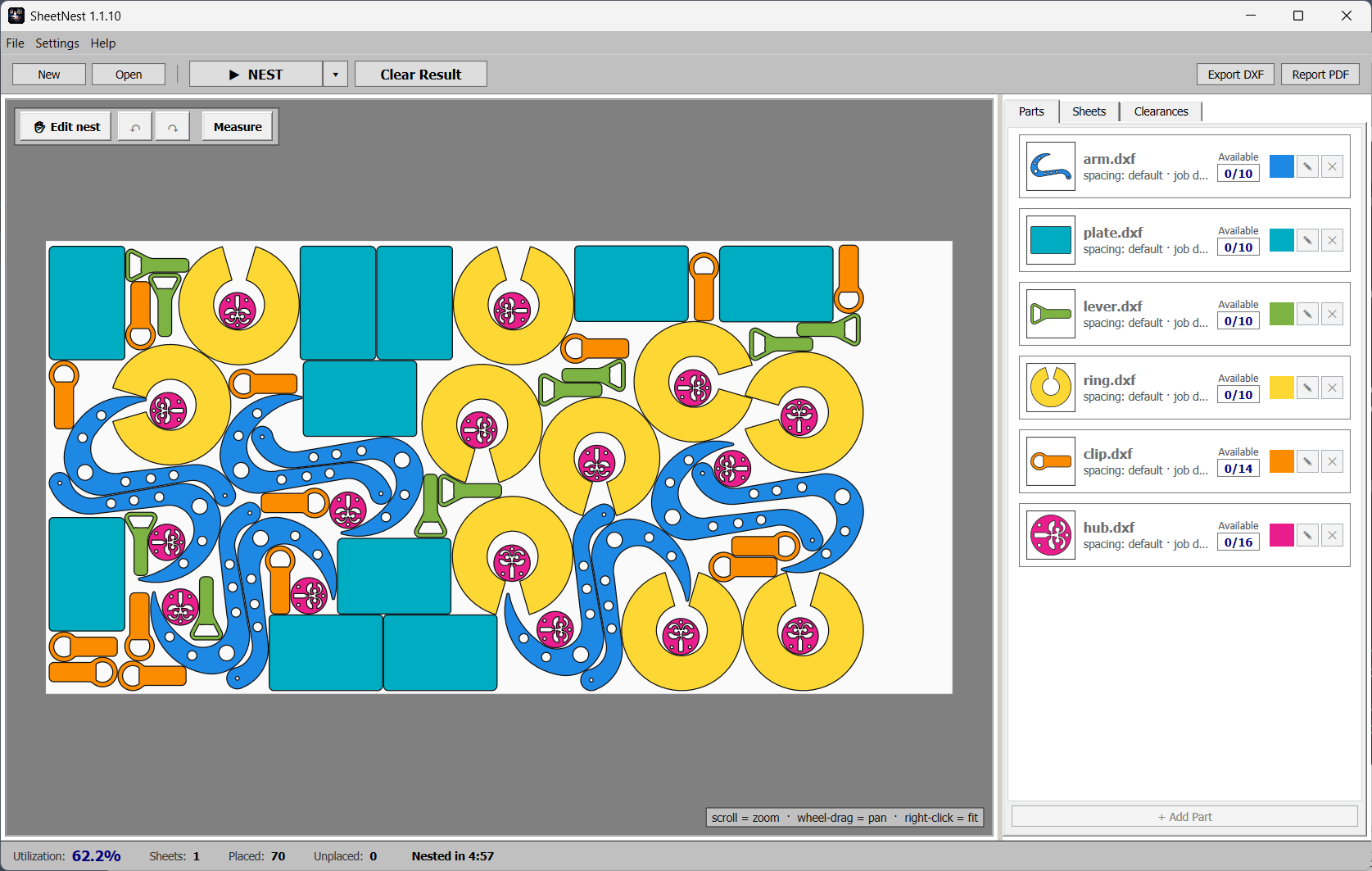
True-shape nesting packs your parts tightly by their real outline — waste less material, buy fewer sheets. Real 800-part jobs nest in seconds.

SheetNest nesting sheet-metal parts on a stock sheet for laser cutting

One-click true-shape nesting — your parts packed tight on the sheet, ready to cut.

Everything a cutting shop needs

From DXF import to cut-ready output — in a simple, one-toolbar app.

True-shape nesting

Parts are packed by their real outline, not bounding boxes. Holes get filled with smaller parts automatically.

DXF in, DXF out

Drop in the DXF drawings you already have. Export one clean, parts-only DXF per layout that your CAM software reads without tripping.

3D import & unfold

Bring in a STEP or IGES sheet-metal part and SheetNest flattens it for you — built in, fully offline, with per-part K-factor and a Measure tool.

Your stock, your rules

Enter quantities (including mirrored copies), list the sheet sizes you actually have, and save presets so they're one click next time.

Fine-tune by hand

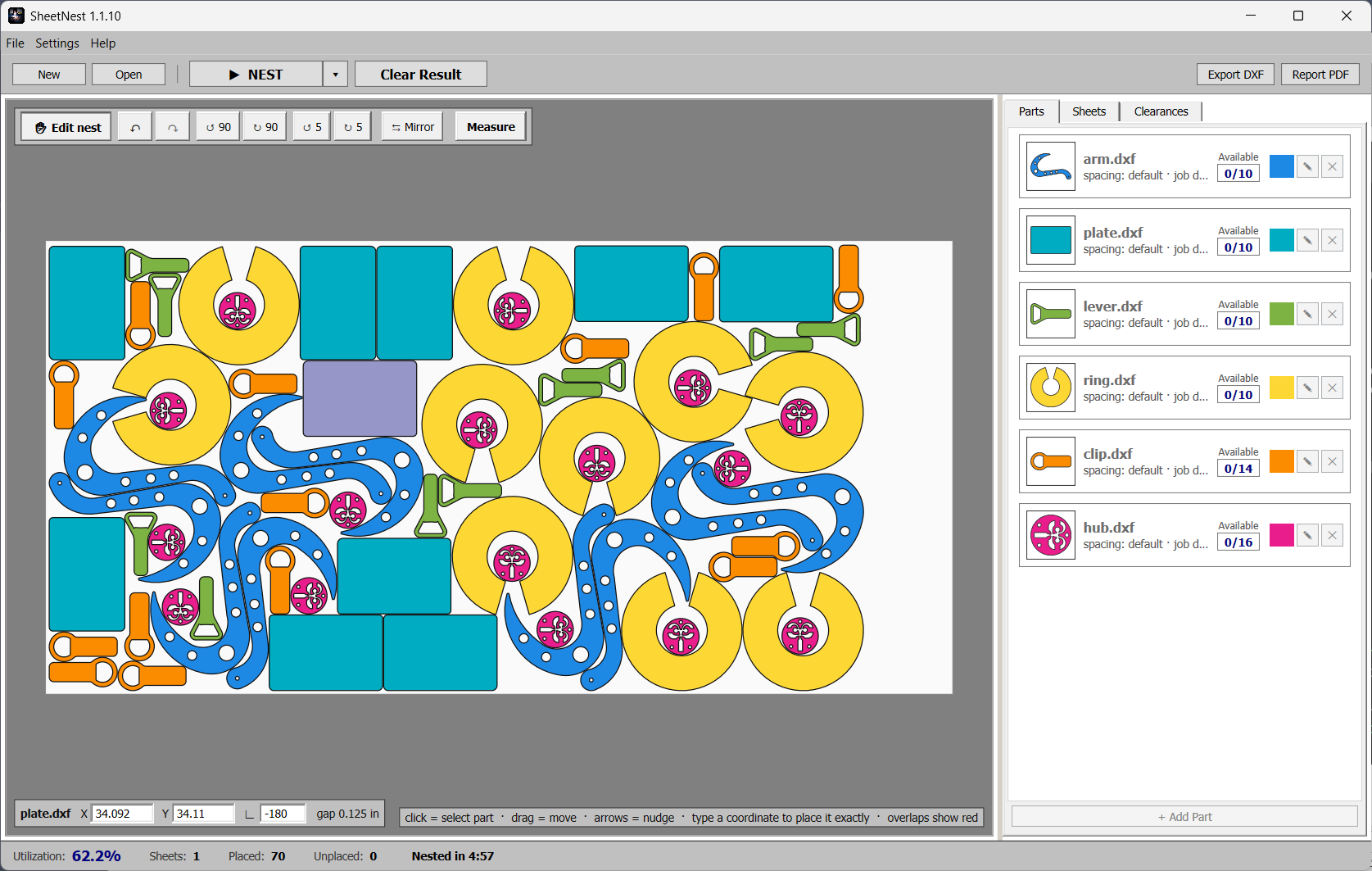
Drag, rotate, nudge, and drop parts to contact — spacing kept safe, with full undo/redo.

Common-line cutting

Place matching parts on a shared line so a single pass cuts both edges — less cutting time, tighter sheets.

One-click PDF report

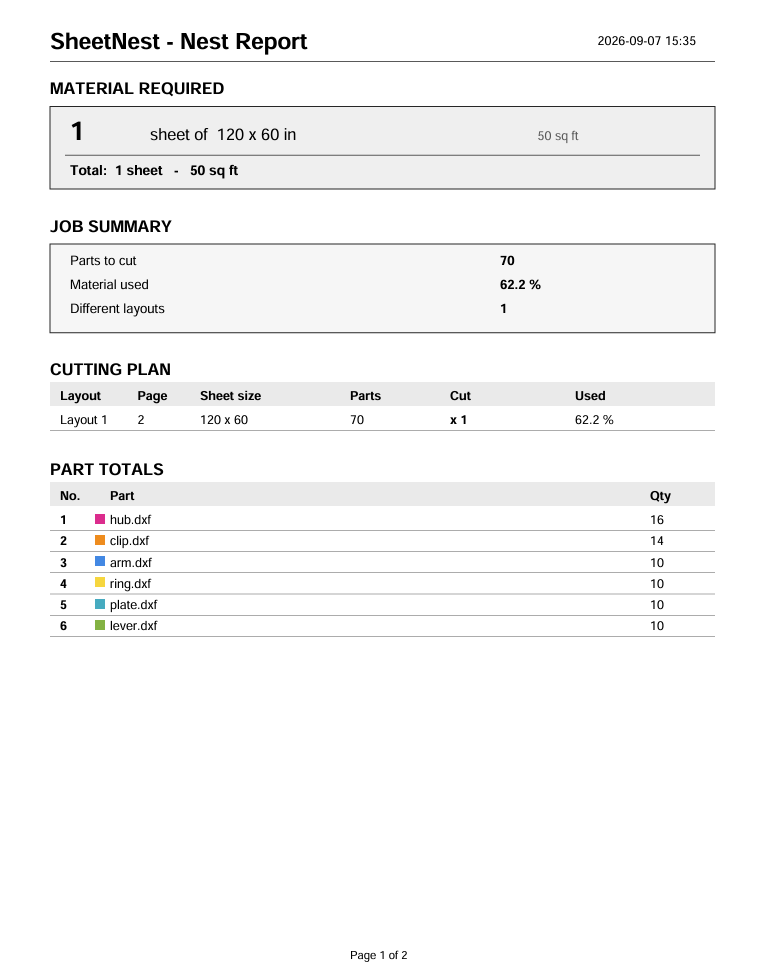
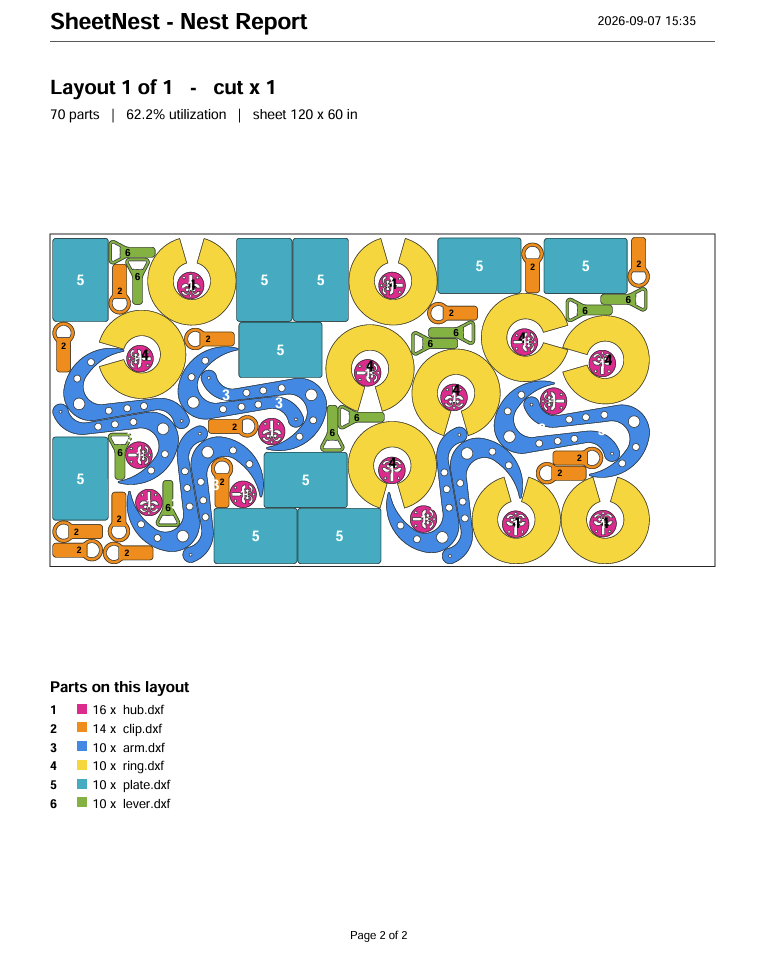
A purchasing-ready report: sheets to buy per size, total area, the cutting plan, part totals, and a scaled drawing of each layout.

Your work is safe

Autosave and crash recovery, a backup on every save, recent projects, and project files that remember their stock and finished nest. Inches or millimeters.

Automatic first, manual when you want it

Let SheetNest lay everything out, then take over.

  • Select, drag, rotate, and mirror parts freely
  • Drop-to-contact keeps your spacing exact
  • Snap matching parts onto a shared common line
  • Full undo/redo — experiment without fear
  • SheetNest picks the sheet size that packs densest and puts leftovers where they waste least
Editing a nest by hand in SheetNest — select, drag, rotate and mirror parts

Download & install

Windows 10/11, 64-bit. Installs per-user — no admin rights needed.

1

Download the installer — grab the .msi below, straight from the latest GitHub release.

2

Double-click the .msi — it installs per-user and adds Start-menu and desktop shortcuts. Installing over an older version upgrades it cleanly.

3

That's it — the app is self-contained. The 3D unfolding engine is bundled inside, so it runs fully offline with nothing else to install.

SmartScreen note: the first time you launch, Windows may warn you because the app isn't code-signed. Click More info → Run anyway to continue.

Frequently asked questions

What is nesting software?

Nesting software arranges the parts you need to cut onto stock sheets so they fit as tightly as possible. Good nesting means less scrap, fewer sheets to buy, and shorter cutting time on your CNC laser, plasma or waterjet machine. SheetNest does this automatically using true-shape nesting — parts are packed by their real outline, not just their bounding box.

Is SheetNest really free?

Yes. SheetNest is open-source software released under the MIT License. There is no account, no subscription, no license key, and no locked "pro" features. You download the installer and use it.

Which cutting machines does it work with?

Any machine whose CAM software accepts DXF files — which covers virtually every CNC laser, plasma and waterjet on the market. SheetNest exports one clean, parts-only DXF per sheet layout, so your CAM software has nothing extra to trip over.

Can it import 3D parts (STEP / IGES)?

Yes. Drop in a 3D sheet-metal part as STEP or IGES and SheetNest unfolds it to a flat pattern that's ready to nest. The 3D unfolding engine is bundled inside the app and runs fully offline — nothing else to install. You can set a per-part bend allowance (K-factor) and check dimensions with the built-in Measure tool.

How much material can nesting save?

It depends on your parts, but shops switching from manual layout or rectangular nesting to true-shape nesting commonly cut material waste noticeably — irregular parts interlock, and smaller parts fill the holes inside bigger ones. SheetNest also picks the sheet size that packs densest when you stock several sizes, and its one-click PDF report tells you exactly how many sheets to buy.

Does it need an internet connection?

No. SheetNest runs fully offline, including the 3D unfolding engine. The only online touch is optional: the download button on this page checks GitHub for the latest version.

How is SheetNest different from DeepNest?

SheetNest started as a fork of the open-source DeepNest project and keeps its true-shape nesting roots, but adds a faster engine, 3D STEP/IGES import with built-in unfolding, common-line cutting, per-project sheet stock, manual nest editing with undo/redo, PDF purchasing reports, and a Windows installer with autosave and crash recovery.